



Published: May 2026

Introduction
Most automation platforms make the same trade-off — ease of use in exchange for control. You get a simple interface, a managed cloud environment, and a pricing model that scales with your usage. What you give up is visibility into your data, flexibility in your workflows, and ownership of your automation infrastructure.
n8n takes a different approach. It’s an open source workflow automation platform that you can self-host on your own server — giving you complete control over your data, your workflows, and your costs.
For ecommerce operators who handle sensitive customer data, run complex multi-step automations, or simply want to own their stack rather than rent it, n8n is worth serious consideration.
What Is n8n?
n8n (pronounced “n-eight-n” or “nodemation”) is an open source workflow automation platform with a visual node-based editor. Like Make.com or Zapier it connects apps and automates workflows — but unlike those platforms it can be self-hosted on your own infrastructure, giving you complete data sovereignty and a fundamentally different cost model.
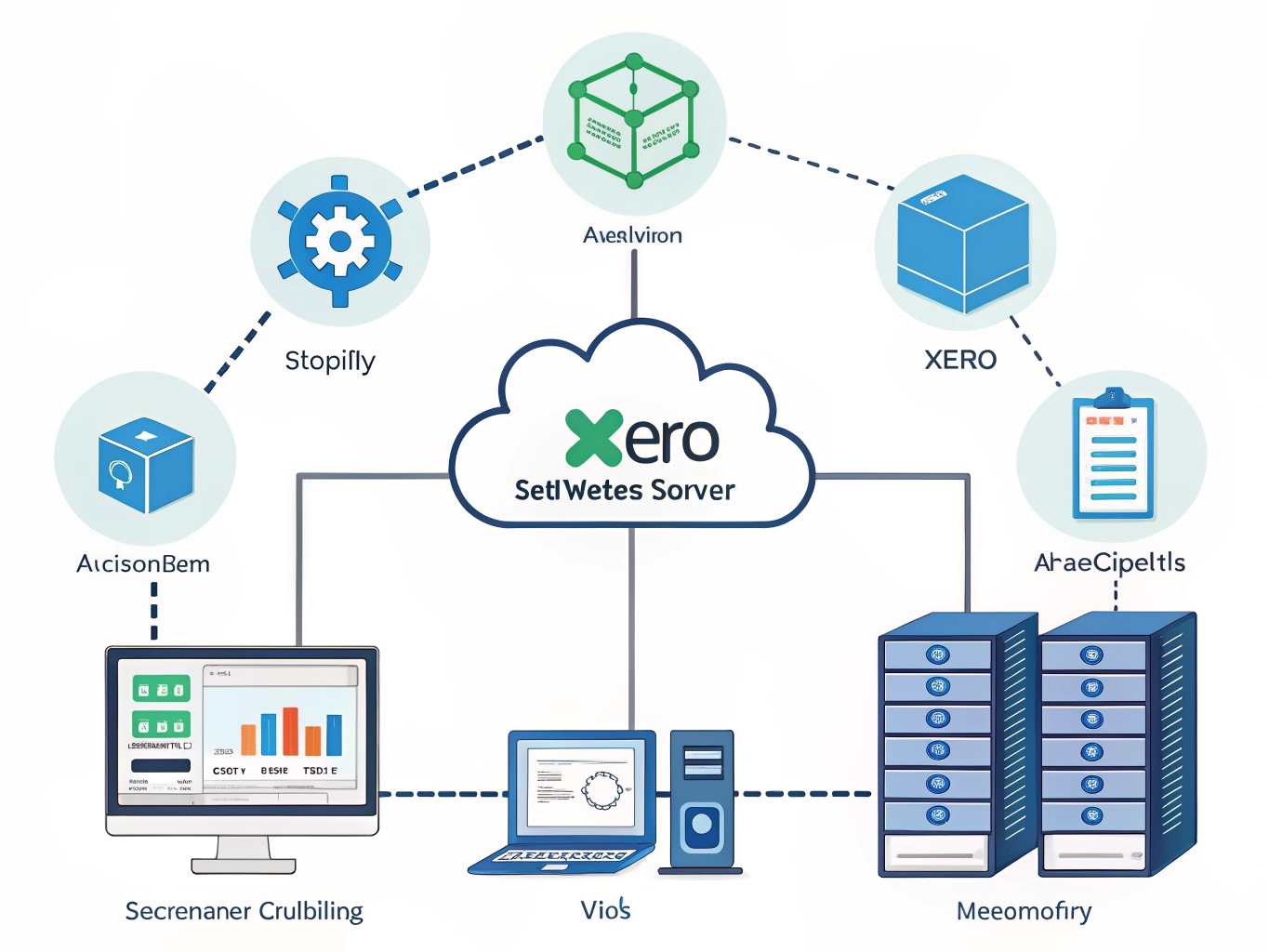
It has over 400 native integrations including Shopify, Xero, Google Sheets, Slack, Gmail, HTTP requests, and virtually any platform with an API. For anything without a native integration you can build custom nodes or use the HTTP request node to connect directly.
n8n is used by developers, technical operators, and businesses that need automation power without the per-task pricing that makes cloud platforms expensive at scale.
Why Ecommerce Operators Are Choosing n8n
Data sovereignty When you self-host n8n your data never leaves your own server. For businesses handling customer PII, payment data, or sensitive supplier information this is a significant advantage over cloud-based platforms where your data passes through third party infrastructure.
Cost model Cloud automation platforms charge per operation or per task. At scale those costs compound quickly. n8n self-hosted has no per-operation costs — you pay for your server infrastructure, not your workflow volume. For high volume operations the savings are substantial.
Workflow complexity n8n handles genuinely complex workflows — loops, conditional branching, data transformation, error handling, sub-workflows, and custom code execution via JavaScript or Python nodes. If you can describe the logic, n8n can execute it.
Custom code nodes Need to do something no native node supports? Drop a JavaScript or Python code node into your workflow and write exactly what you need. The platform doesn’t limit you to pre-built actions.
Version control Workflows can be exported as JSON and stored in GitHub — giving you version history, rollback capability, and collaborative development. For businesses building serious automation infrastructure this is essential.
Active open source community n8n has a large and active community contributing templates, nodes, and support. The template library has hundreds of pre-built workflows you can import and adapt rather than building from scratch.
How We Use n8n in Our Own Business
We self-host n8n as part of our automation stack alongside Make.com. The two platforms serve different purposes in our workflow.
Make.com handles our primary Shopify order routing — it’s fast to build, reliable, and the visual canvas makes it easy to modify when supplier requirements change.
n8n handles the more complex data processing workflows where we need custom logic, Python execution, or workflows that process sensitive data we prefer to keep on our own infrastructure. The combination of both platforms gives us flexibility that neither alone would provide.
The self-hosted setup runs on a cloud server and has been reliable. The initial configuration takes longer than a cloud platform but once it’s running the operational overhead is minimal.
n8n Cloud vs Self-Hosted
For operators who want n8n’s power without managing their own server infrastructure, n8n also offers a cloud-hosted version:
n8n Cloud:
- Managed infrastructure — no server setup required
- Automatic updates and maintenance
- Subscription pricing based on workflow executions
- Faster to get started
- Data hosted on n8n’s infrastructure
Self-hosted:
- Complete data sovereignty
- No per-execution costs beyond server infrastructure
- Full control over updates and configuration
- Requires server setup and basic DevOps knowledge
- Data stays on your own infrastructure
For most ecommerce operators starting with n8n, the cloud version is the practical entry point. Move to self-hosted when volume justifies it or data sovereignty becomes a priority.
Key Features
Visual workflow editor Node-based canvas where each step in your workflow is a node connected by edges. Add nodes, configure them, connect them, and your workflow is built. Intuitive once you understand the paradigm.
400+ native integrations Shopify, Xero, QuickBooks, Google Workspace, Slack, Airtable, Notion, HTTP requests, webhooks, databases — the integration library covers virtually every tool in the modern ecommerce stack.
Code nodes Execute JavaScript or Python directly within your workflow. Transform data, call external APIs, run calculations, or implement any logic that native nodes don’t support.
Error handling and retry logic Configure what happens when a node fails — retry automatically, send an alert, route to an error workflow, or stop execution. Production-grade error handling built into every workflow.
Sub-workflows Build reusable workflow components that can be called from multiple parent workflows. Modular automation architecture that scales as your operation grows.
Webhook triggers Trigger workflows instantly via webhook — perfect for real time Shopify order processing, supplier confirmations, or any event-driven automation.
Scheduled triggers Run workflows on a schedule — hourly, daily, weekly, or any cron expression. Automated reporting, inventory checks, and data sync on your timetable.
Real Ecommerce Use Cases
Supplier order routing When a Shopify order is placed n8n reads the order, identifies the supplier based on product tags, formats the data into the supplier’s required Excel template using a Python code node, and emails it automatically. Complex data transformation that simpler platforms struggle with.
Inventory reconciliation Daily scheduled workflow that pulls inventory data from Shopify, compares it against supplier stock confirmations, identifies discrepancies, and sends a reconciliation report — automatically, every morning.
Xero purchase order creation Order confirmation received from supplier triggers n8n to create a corresponding purchase order in Xero with all line items, costs, and supplier details populated automatically.
Customer data processing Process customer data through custom logic — segmentation, tagging, enrichment — while keeping all PII on your own infrastructure rather than passing it through third party cloud platforms.
Automated reporting Pull sales data from Shopify, combine with cost data from Xero, calculate margins, and push a formatted report to Google Sheets or email it to stakeholders — on a schedule, automatically.
n8n vs Make.com — Which Should You Choose?
Both are powerful automation platforms but they serve different operator profiles:
Choose Make.com if:
- You want a fully managed cloud platform with no infrastructure to maintain
- You’re building automations quickly and want the fastest path to production
- Your workflows are complex but don’t require custom code execution
- Data sovereignty is not a primary concern
Choose n8n if:
- You want complete control over your data and infrastructure
- You need custom code execution within workflows
- You’re running high volume automations where per-operation pricing becomes expensive
- You have basic DevOps capability or access to someone who does
- You want version control and GitHub integration for your workflows
Use both if:
- Different workflows have different requirements
- You want redundancy across platforms
- Some workflows need cloud speed and some need data sovereignty
There is no wrong answer — the right choice depends on your specific requirements, technical capability, and data governance priorities.
Getting Started With n8n
Option 1 — n8n Cloud (recommended for beginners)
- Sign up at n8n.io
- Free trial available
- No server setup required
- Start building workflows immediately
Option 2 — Self-hosted on a VPS
- Spin up a cloud server (DigitalOcean, Hetzner, or AWS)
- Install n8n via Docker or npm
- Configure your domain and SSL
- Start building workflows
For self-hosted setup the n8n documentation is comprehensive and the community forum has solutions to virtually every setup question.
First workflow to build: Start with a simple Shopify order notification — trigger on new order, send yourself an email with the order details. Get comfortable with the node editor before building complex logic.
What to Watch Out For
- Learning curve — n8n has more depth than simpler platforms. Budget time to learn the paradigm before building production workflows.
- Self-hosted maintenance — running your own server means managing updates, backups, and uptime. Factor this into your decision.
- Community support — n8n’s support model relies heavily on community forums rather than dedicated support. The community is active and helpful but response times vary.
- Documentation gaps — as an open source platform documentation can lag behind new features. Expect to experiment and consult the community for edge cases.
The Bottom Line
n8n is one of the most powerful automation platforms available to ecommerce operators — particularly those who need custom logic, data sovereignty, or a cost model that doesn’t scale with volume.
The learning curve and infrastructure requirements are real. But for technical operators who want to own their automation stack rather than rent it, n8n provides a level of control, flexibility, and cost efficiency that managed cloud platforms simply cannot match.
Whether you run it alongside Make.com for specific use cases or adopt it as your primary automation platform, n8n belongs in the toolkit of any serious ecommerce operator building for scale.
Get started with n8n here
Affiliate Disclosure: This article contains affiliate links to productivity tools and services. If you purchase through these links, we may earn a commission at no additional cost to you. We only recommend tools we genuinely believe will help solopreneurs manage time effectively and maximize productivity.












