



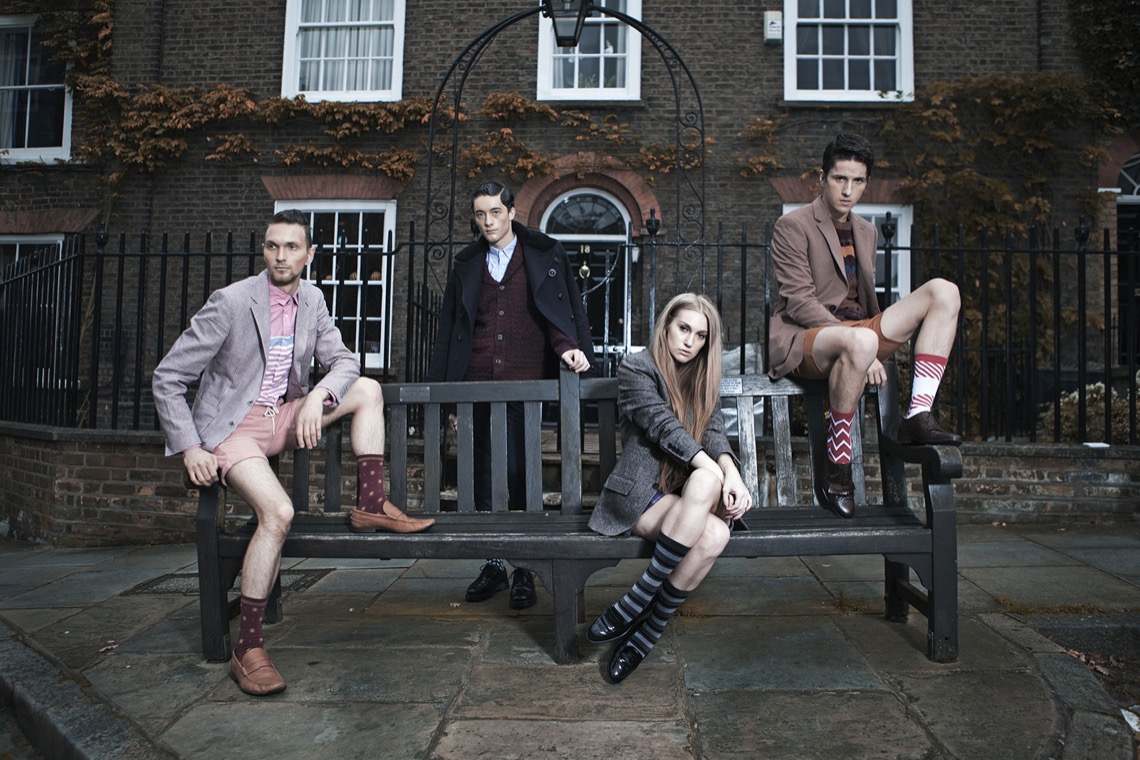




The Visual Foundation of Your Ecommerce Store
In ecommerce, your product images are your storefront, your sales team, and often the deciding factor between a sale and an abandoned cart. But great photography is only half the equation—without proper optimisation, even stunning images can hurt your business through slow load times, poor search rankings, and frustrated customers. Let’s explore why both quality photography and technical optimisation are essential for success.

Why Professional Product Photography Matters
Your product images do the heavy lifting that in-store shopping experiences provide naturally—they let customers see, evaluate, and imagine owning your products.
First Impressions Drive Conversions
Studies show that 93% of consumers consider visual appearance the key deciding factor in purchasing decisions. High-quality images signal professionalism, build trust, and justify your pricing. Poor photos, conversely, make customers question product quality regardless of how good your products actually are.
Images Replace Physical Interaction
Online shoppers can’t touch, feel, or try your products. Photography must compensate by showing texture, scale, colour accuracy, and details. Multiple angles, lifestyle shots, and close-ups help customers understand exactly what they’re buying, reducing returns and increasing satisfaction.
Visual Storytelling Builds Your Brand
Consistent, high-quality photography creates a cohesive brand aesthetic that differentiates you from competitors. Your visual style communicates your brand values—whether that’s luxury, sustainability, playfulness, or minimalism.
DIY vs. Professional Photography: Making the Choice
When DIY Photography Works
You can achieve good results yourself if you:
- Invest in basic equipment (smartphone with good camera, tripod, lighting kit)
- Learn fundamental photography principles (lighting, composition, white balance)
- Have products that photograph easily (flat lays, simple items)
- Maintain consistency across all product shots
- Take time to edit images properly
When to Hire a Professional Photographer
Consider professional photography when:
- You’re selling premium products that justify higher pricing
- Your products require complex styling or models
- You need lifestyle shots that tell a story
- Consistency and brand aesthetic are critical to your positioning
- Your time is better spent on other business activities
- You’re launching and need a strong visual foundation
The Critical Importance of Image Optimisation
Even the most beautiful photographs can sabotage your business if they’re not properly optimised. Here’s why optimisation matters as much as quality:
Page Speed Directly Impacts Sales
Research shows that a one-second delay in page load time can reduce conversions by 7%. Large, unoptimised images are the most common culprit for slow websites. If your product pages take too long to load, customers leave before they even see you’re beautiful photography.
Mobile Users Demand Fast Loading
Over 70% of ecommerce traffic comes from mobile devices, often on slower connections. Unoptimised images consume data and test patience. Mobile shoppers are particularly likely to abandon slow-loading sites.
SEO Rankings Depend on Performance
Search engines prioritise fast-loading websites in rankings. Google’s Core Web Vitals specifically measure loading performance, and image optimisation is crucial for meeting these standards. Slow sites rank lower, reducing organic traffic and visibility.
Optimised Images Still Look Great
Proper optimisation reduces file size without noticeable quality loss. You can often reduce image file sizes by 60-80% while maintaining visual quality, giving you the best of both worlds.
Essential Image Optimisation Techniques
1. Choose the Right File Format
- JPEG: Best for photographs and complex images with many colors
- PNG: Best for images requiring transparency or simple graphics with few colors
- WebP: Modern format offering superior compression—use when supported
2. Compress Without Sacrificing Quality
Use compression tools to reduce file size while maintaining visual quality. Aim for the smallest file size that still looks crisp on screen. Many platforms offer automatic compression, but manual optimisation often yields better results.
3. Size Images Appropriately
Don’t upload images larger than they’ll be displayed. If your product images display at 1000px wide, uploading 4000px images wastes bandwidth. Resize images to their maximum display dimensions before uploading.
4. Use Descriptive File Names
Instead of “IMG_1234.jpg,” use descriptive names like “navy-blockout-roller-blind-bedroom.jpg.” This helps search engines understand your images and improves SEO.
5. Add Alt Text to Every Image
Alt text describes images for screen readers and search engines. Write clear, descriptive alt text that includes relevant keywords naturally: “Navy blue blockout roller blind installed in modern bedroom.”
6. Implement Lazy Loading
Lazy loading delays loading images until they’re about to appear on screen, dramatically improving initial page load times. Most modern ecommerce platforms support this feature.
7. Use Responsive Images
Serve different image sizes based on device and screen size. Mobile users don’t need desktop-sized images, and responsive images ensure everyone gets appropriately sized files.
The Optimisation Workflow
Here’s a practical workflow for optimising product images:
- Shoot or receive images in the highest quality possible
- Edit for color correction, cropping, and consistency
- Resize to maximum display dimensions (typically 2000-2500px for product images)
- Compress using tools like TinyPNG, ImageOptim, or built-in platform features
- Rename files with descriptive, SEO-friendly names
- Upload to your ecommerce platform
- Add descriptive alt text to each image
- Test page load speed and adjust if needed
Balancing Quality and Performance
The goal isn’t to choose between beautiful images and fast loading—it’s to achieve both. Here’s how:
- Start with high-quality source images
- Optimize aggressively but test to ensure quality remains acceptable
- Use multiple images per product (different angles, lifestyle shots) but optimize each one
- Monitor your site speed regularly and adjust optimisation as needed
- Consider using a content delivery network (CDN) to serve images faster globally
Common Image Mistakes to Avoid
- Uploading massive files straight from the camera without resizing
- Using inconsistent image dimensions across products
- Neglecting mobile optimisation
- Skipping alt text or using generic descriptions
- Over-compressing images until they look pixelated or blurry
- Using too few images per product
- Inconsistent lighting or styling across product photos
Measuring Success
Track these metrics to understand how your images impact performance:
- Page load speed: Use tools like Google PageSpeed Insights
- Conversion rate: Compare before and after image improvements
- Bounce rate: High bounce rates may indicate slow loading
- Time on page: Better images keep visitors engaged longer
- Return rate: Accurate images reduce returns from unmet expectations
The Bottom Line
Product photography and image optimization aren’t separate concerns—they’re two sides of the same coin. Invest in quality photography that showcases your products beautifully and represents your brand authentically. Then optimise those images ruthlessly to ensure fast loading, strong SEO, and excellent user experience across all devices.
The businesses that succeed in ecommerce understand that visual excellence and technical performance work together. Great photos attract customers, while optimisation ensures they stick around long enough to buy. Master both, and you’ll have a significant competitive advantage in the crowded ecommerce landscape.
Affiliate Disclosure: This article contains affiliate links to subscription platforms and tools. If you purchase through these links, we may earn a commission at no additional cost to you. We only recommend solutions we genuinely believe will help you build successful businesses.












