



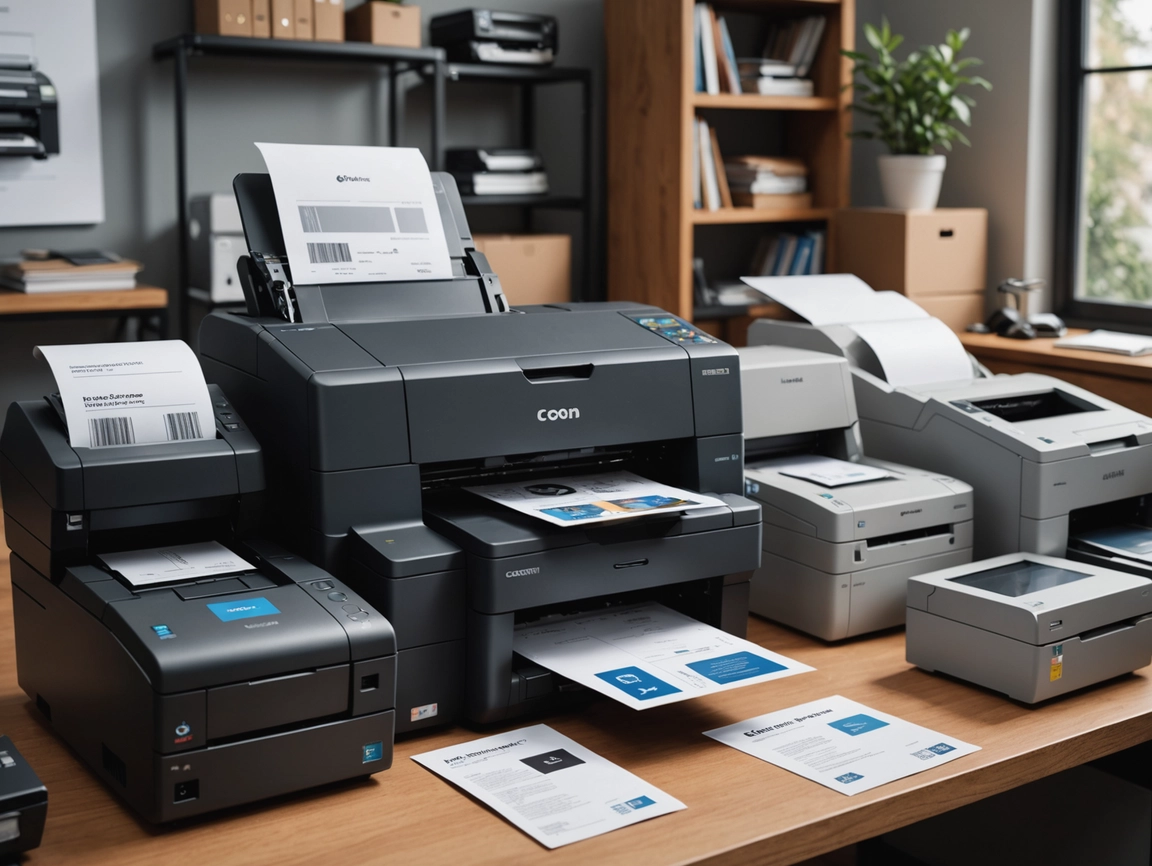
Why Printers Still Matter in Digital Commerce
In an increasingly digital world, printers remain essential tools for ecommerce businesses. From shipping labels and packing slips to invoices, product tags, and marketing materials, the right printers streamline operations and create professional customer experiences. But with different printer types serving different purposes, how do you choose what your business actually needs? Let’s explore the printer landscape and help you make smart investments.

Types of Printers for Ecommerce
Different ecommerce tasks require different printing technologies. Understanding each type helps you invest in the right tools.
1. Thermal Shipping Label Printers
What they do: Print shipping labels directly on adhesive label stock without ink or toner.
Best for: Any ecommerce business shipping products regularly.
Advantages:
- No ink or toner costs—labels are the only consumable
- Fast printing—labels print in seconds
- Clean, professional labels that don’t smudge
- Compact desktop footprint
- Low maintenance and reliable
- Integrate directly with shipping software
Disadvantages:
- Single purpose—only prints labels
- Requires specific label stock
- Can’t print in color
- Initial investment ($100-$500)
Popular models: DYMO LabelWriter 4XL, Rollo Label Printer, Zebra ZP450
When you need one: If you ship more than 5-10 packages per week, a thermal label printer pays for itself quickly in time savings and eliminated ink costs.
2. Inkjet Printers
What they do: Spray liquid ink onto paper to create text and images.
Best for: Low-volume printing, color documents, and photo printing.
Advantages:
- Affordable upfront cost ($50-$300)
- Excellent color quality and photo printing
- Compact and quiet operation
- Versatile—handles various paper types and sizes
- Good for occasional use
Disadvantages:
- High per-page cost due to expensive ink cartridges
- Ink can dry out if not used regularly
- Slower printing speeds
- Prints can smudge when wet
- Frequent cartridge replacements
When you need one: For occasional color printing, product inserts, or when you need photo-quality output and don’t print high volumes.
3. Laser Printers
What they do: Use toner powder and heat to fuse text and images onto paper.
Best for: High-volume black and white printing—invoices, packing slips, documentation.
Advantages:
- Very low per-page cost
- Fast printing speeds
- Sharp, professional text quality
- Toner doesn’t dry out
- High-capacity paper trays
- Reliable for high volumes
Disadvantages:
- Higher upfront cost ($150-$500 for basic models)
- Larger footprint
- Color laser printers are expensive
- Toner cartridges are pricey (though they last longer)
When you need one: If you print more than 100 pages per month of invoices, packing slips, or documentation, a laser printer offers better value than inkjet.
4. All-in-One Printers (Multifunction)
What they do: Combine printing, scanning, copying, and sometimes faxing in one device.
Best for: Small businesses needing multiple functions without space for separate devices.
Advantages:
- Multiple functions in one device
- Space-saving design
- Scan documents and receipts for records
- Copy product tags or documentation
- Often include automatic document feeders
Disadvantages:
- If one function breaks, you lose all functions
- Generally more expensive than single-function printers
- May compromise on individual function quality
When you need one: When you need scanning capabilities for receipts, invoices, or documentation and want to minimize equipment.
5. Receipt Printers
What they do: Print receipts on thermal paper rolls.
Best for: In-person sales at markets, pop-ups, or retail locations.
Advantages:
- Compact and portable
- Fast receipt printing
- No ink required
- Battery-powered options available
- Bluetooth connectivity for mobile POS
Disadvantages:
- Single purpose
- Thermal receipts fade over time
- Requires thermal paper rolls
When you need one: If you sell at markets, events, or have a retail location and need to provide receipts to customers.
Determining Your Printing Needs
Before buying printers, assess what you actually need to print:
Shipping Labels
Volume: How many packages do you ship per week?
Solution: 1-5 packages: Regular printer on label sheets; 5+ packages: Thermal label printer
Packing Slips and Invoices
Volume: How many orders do you fulfill?
Solution: Low volume: Inkjet; High volume (100+ pages/month): Laser printer
Product Tags and Labels
Needs: Professional product labeling
Solution: Thermal label printer or professional label printer
Marketing Materials
Needs: Flyers, postcards, product inserts
Solution: Color inkjet for small batches; professional printing service for large quantities
Documentation and Records
Needs: Contracts, receipts, business documents
Solution: All-in-one printer with scanning capabilities
Recommended Printer Setups by Business Size
Just Starting (1-10 orders/week)
Minimal setup:
- Basic inkjet all-in-one printer ($80-$150)
- Print shipping labels on label sheets
- Print packing slips as needed
- Total investment: $80-$150
This setup handles everything initially. Upgrade to thermal labels when shipping volume justifies it.
Growing Business (10-50 orders/week)
Recommended setup:
- Thermal shipping label printer ($150-$250)
- Basic laser printer for packing slips ($150-$250)
- Total investment: $300-$500
This combination dramatically speeds up fulfillment and reduces per-unit costs.
Established Business (50+ orders/week)
Professional setup:
- Commercial thermal label printer ($300-$500)
- High-capacity laser printer ($300-$600)
- Optional: Color inkjet for marketing materials ($100-$200)
- Total investment: $700-$1,300
This setup handles high volumes efficiently with minimal per-unit costs.
Retail or Multi-Channel (Physical + Online)
Complete setup:
- Thermal label printer for shipping ($200-$400)
- Receipt printer for in-person sales ($100-$300)
- Laser printer for documentation ($200-$400)
- Total investment: $500-$1,100
Key Features to Consider
Connectivity Options
- USB: Direct connection to computer—reliable but limits placement
- WiFi: Print from anywhere on your network—flexible but can have connectivity issues
- Ethernet: Wired network connection—most reliable for shared printers
- Bluetooth: Mobile printing—essential for portable receipt printers
For shipping label printers, USB is often most reliable. For office printers, WiFi or Ethernet enables sharing among team members.
Print Speed
- Thermal label printers: 4-8 labels per minute
- Laser printers: 20-40 pages per minute
- Inkjet printers: 8-15 pages per minute
Higher speeds matter more as your volume increases. Don’t overpay for speed you don’t need initially.
Print Quality (DPI)
- 300 DPI: Adequate for shipping labels and basic text
- 600 DPI: Good for professional documents
- 1200+ DPI: Excellent for photos and marketing materials
Match quality to purpose—shipping labels don’t need photo quality.
Paper/Label Capacity
- Consider how often you want to refill
- Higher capacity reduces interruptions during busy periods
- Balance capacity against desk space
Operating Costs
Look beyond purchase price to ongoing costs:
- Ink/toner replacement costs and yield
- Label or paper costs
- Maintenance requirements
- Energy consumption
Calculate cost per page or label to understand true operating expenses.
Top Printer Recommendations
Best Thermal Label Printers
Budget: Rollo Label Printer ($199)
- No subscription fees (unlike DYMO)
- Prints 4×6 labels quickly
- Compatible with all major shipping platforms
- Excellent value for money
Premium: Zebra ZP450 ($300-$400)
- Commercial-grade reliability
- Faster printing speeds
- Better for high volumes
- Industry standard
Best Laser Printers
Budget: Brother HL-L2350DW ($120-$150)
- Excellent value
- WiFi connectivity
- Reliable and low maintenance
- Affordable toner
High Volume: Brother HL-L6200DW ($250-$350)
- Fast printing (48 ppm)
- High-capacity toner
- Large paper tray
- Built for business use
Best All-in-One Printers
Inkjet: HP OfficeJet Pro 9015e ($150-$200)
- Print, scan, copy, fax
- Good color quality
- Automatic document feeder
- HP Instant Ink available
Laser: Brother MFC-L2750DW ($250-$300)
- Laser quality and speed
- Full multifunction capabilities
- Low operating costs
- Excellent for document-heavy businesses
Common Printing Mistakes to Avoid
1. Buying Based on Printer Price Alone
Cheap printers often have expensive consumables. Calculate total cost of ownership including ink, toner, or labels over 1-2 years.
2. Using Regular Printers for Shipping Labels
Printing labels on regular printers with label sheets is slow, expensive, and frustrating at scale. Invest in a thermal printer once you’re shipping regularly.
3. Choosing Inkjet for High-Volume Printing
If you print hundreds of pages monthly, laser printers save significant money despite higher upfront costs.
4. Ignoring Connectivity Needs
If multiple people need to print, ensure the printer supports network connectivity. USB-only printers limit flexibility.
5. Buying Oversized Equipment
Commercial-grade printers designed for offices of 50+ people are overkill for small ecommerce businesses. Match capacity to actual needs.
6. Neglecting Maintenance
Regular cleaning and proper storage of consumables extends printer life and maintains quality.
Printer Supplies and Consumables
Thermal Label Stock
- Standard size: 4×6 inches for shipping labels
- Buy in bulk (500-1000 labels) for better pricing
- Fanfold or roll format depending on printer
- Cost: $0.02-$0.05 per label in bulk
Toner Cartridges
- OEM (original manufacturer) vs. compatible/remanufactured
- Compatible toner saves 30-50% but quality varies
- High-yield cartridges offer better value for high-volume printing
Ink Cartridges
- Most expensive consumable per page
- Consider ink subscription services (HP Instant Ink) for predictable costs
- XL cartridges offer better value than standard
Paper
- Standard 20lb copy paper adequate for most business documents
- Buy in bulk (cases of 5-10 reams) for savings
- Heavier weight for professional presentations
When to Outsource Instead
Some printing is better outsourced to professionals:
- Large marketing campaigns: Professional printing offers better quality and pricing at scale
- Specialty materials: Business cards, brochures, catalogs
- Custom packaging: Branded boxes, tissue paper, stickers
- Product photography prints: Professional photo printing for displays
Focus your in-house printing on operational necessities—labels, packing slips, invoices—and outsource marketing materials where professional quality matters.
The Bottom Line
The right printer setup for your ecommerce business depends on your shipping volume, product type, and operational needs. Most growing ecommerce businesses benefit from a thermal label printer for shipping and a laser printer for documentation—this combination offers speed, reliability, and low operating costs.
Start with what you need now and upgrade as your volume grows. A basic inkjet might suffice initially, but once you’re shipping 10+ packages weekly, investing in a thermal label printer pays for itself within months through time savings and reduced consumable costs.
Focus on reliability and total cost of ownership rather than just purchase price. The cheapest printer often becomes the most expensive through ink costs, downtime, and frustration. Choose quality equipment that matches your volume, and your printing infrastructure will support rather than hinder your business growth.
Affiliate Disclosure: This article contains affiliate links to subscription platforms and tools. If you purchase through these links, we may earn a commission at no additional cost to you. We only recommend solutions we genuinely believe will help you build successful subscription businesses.












